
Introduction
If you’re looking to speed up a slow Windows PC, this guide will show you 10 practical tips to improve performance. A slow computer can be frustrating whether you’re working, studying or browsing the internet. Over time, Windows PCs collect unnecessary files, background applications and outdated software that can significantly reduce performance.
The good news is that many performance issues can be resolved with a few simple steps. In this guide, we’ll show you practical ways to speed up your Windows PC and keep it running smoothly.
1. Restart Your Computer Regularly
Many people leave their computer running for days or even weeks.
Restarting Windows clears temporary memory, stops unnecessary background processes and often improves performance immediately.
2. Disable Startup Programs
Too many applications starting with Windows can dramatically increase boot time.
Open Task Manager → Startup Apps and disable programs you don’t need every time your computer starts.
3. Free Up Disk Space
Delete unnecessary files such as:
- Temporary files
- Downloads you no longer need
- Old installers
- Recycle Bin contents
Windows also includes Storage Sense, which can automatically remove temporary files.
4. Keep Windows Updated
Microsoft regularly releases updates that improve:
- Performance
- Stability
- Security
Keeping Windows up to date helps your computer run more efficiently.
5. Scan for Malware
Viruses and malware often consume CPU, memory and storage resources.
Run a full scan using Microsoft Defender or another trusted antivirus solution.
6. Upgrade to an SSD
If your computer still uses a traditional hard drive (HDD), upgrading to an SSD is one of the biggest performance improvements you can make.
Applications load faster, Windows starts quicker and the overall system feels much more responsive.
7. Upgrade Your RAM
If your computer struggles with multitasking, adding more RAM can significantly improve performance.
8. Remove Unused Software
Old software can consume storage space and background resources.
Uninstall programs you no longer use.
9. Clean Dust from Your Computer
Dust causes overheating.
Overheating reduces performance because modern processors automatically lower their speed to protect themselves.
Regular cleaning helps maintain optimal temperatures.
10. Get Professional Diagnostics
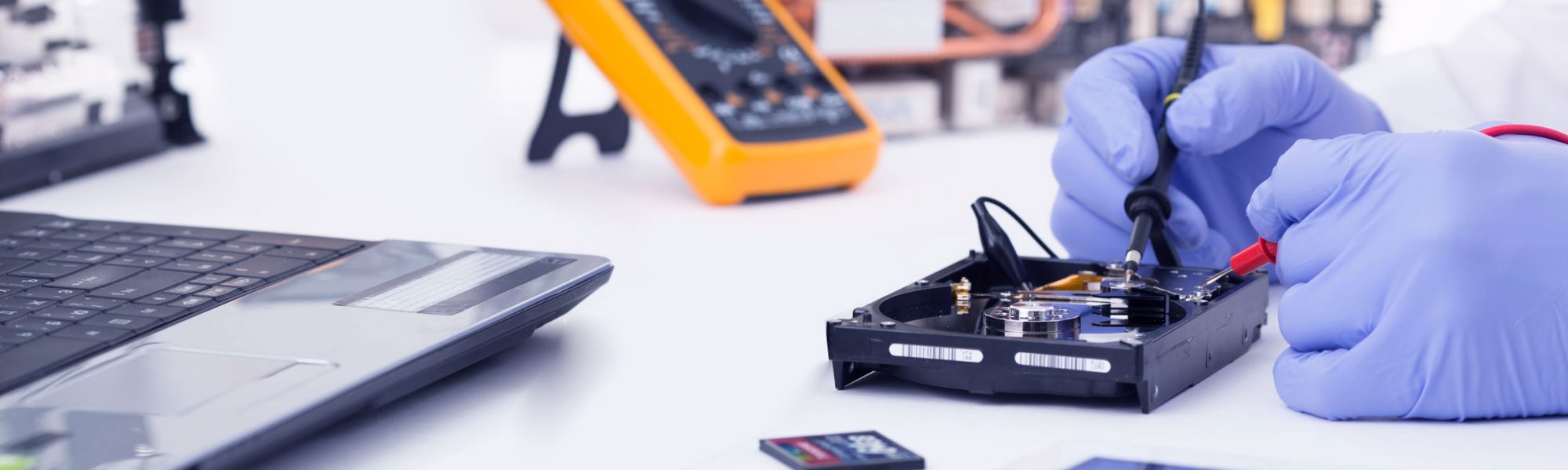
If your computer is still slow after trying these tips, the issue may be related to failing hardware or software problems that require professional attention.
Conclusion
Keeping your Windows PC fast doesn’t have to be difficult. Regular maintenance, software updates and hardware upgrades can dramatically improve your computer’s performance and extend its lifespan.
If you’re experiencing persistent performance issues, professional diagnostics can identify the exact cause and help restore your computer to peak performance.
Call To Action
Is Your Computer Still Running Slow?
At S.M. REPAIR TECHNOLOGY, we provide professional computer diagnostics, hardware upgrades, SSD installations, virus removal and complete Windows optimization.
📞 Contact us today and let us help you get your computer running like new again.
FAQ
Why is my Windows PC so slow?
Common causes include low disk space, too many startup applications, malware, outdated hardware or insufficient RAM.
Will adding RAM make my computer faster?
Yes, especially if you frequently use multiple applications at the same time.
Is upgrading to an SSD worth it?
Absolutely. An SSD is one of the most effective upgrades for improving overall computer performance.
Need Professional Help?
If your Windows PC is still running slowly after trying these tips, our professional Computer Repair and Laptop Repair services can help diagnose and resolve the issue quickly.
You can also explore our All Services page or Contact Us to schedule a repair or request technical assistance.
Useful Resources
For more information and official troubleshooting guides, visit: